Disclosure: This site is reader-supported. We may receive compensation when you click links to products featured on our pages. This support helps us maintain and update our content. Learn more
Broad household protection

McAfee review

McAfee combines antivirus protection with web, privacy, scam, and identity features. Its strongest plans are particularly relevant if you need to manage security across several personal or family devices. The service is broad enough to replace several separate tools, although choosing the right tier requires careful attention to device limits and included identity services.

Our verdict on McAfee

McAfee is a well-rounded security suite rather than a basic antivirus. The main value comes from combining malware protection with a VPN, scam detection, password tools, and identity monitoring. It makes the most sense when you will use several of those features or need coverage for multiple devices. Users seeking only a simple virus scanner may find the plan lineup and additional tools more extensive than necessary.

Protection beyond malware

McAfee's current consumer plans can include real-time antivirus, web protection, scam detection, a secure VPN, and a password manager. This broader toolset can reduce the need for separate security subscriptions.

Antivirus Online safety

Flexible device coverage

The entry-level Essential plan is advertised for up to five devices, while selected McAfee+ individual and family plans advertise protection for unlimited personal devices. Always confirm the exact limit shown at checkout.

Five-device option Unlimited-device plans

Useful identity features

Higher-tier plans add services such as identity monitoring, personal-data cleanup, credit-related tools, and identity restoration support. Availability and coverage can depend on your plan and country.

Identity monitoring Privacy tools

How McAfee protects your devices

McAfee uses several layers of protection. Antivirus scanning is the foundation, while browser and scam-related tools are intended to catch threats that appear through links, downloads, messages, and unsafe websites.

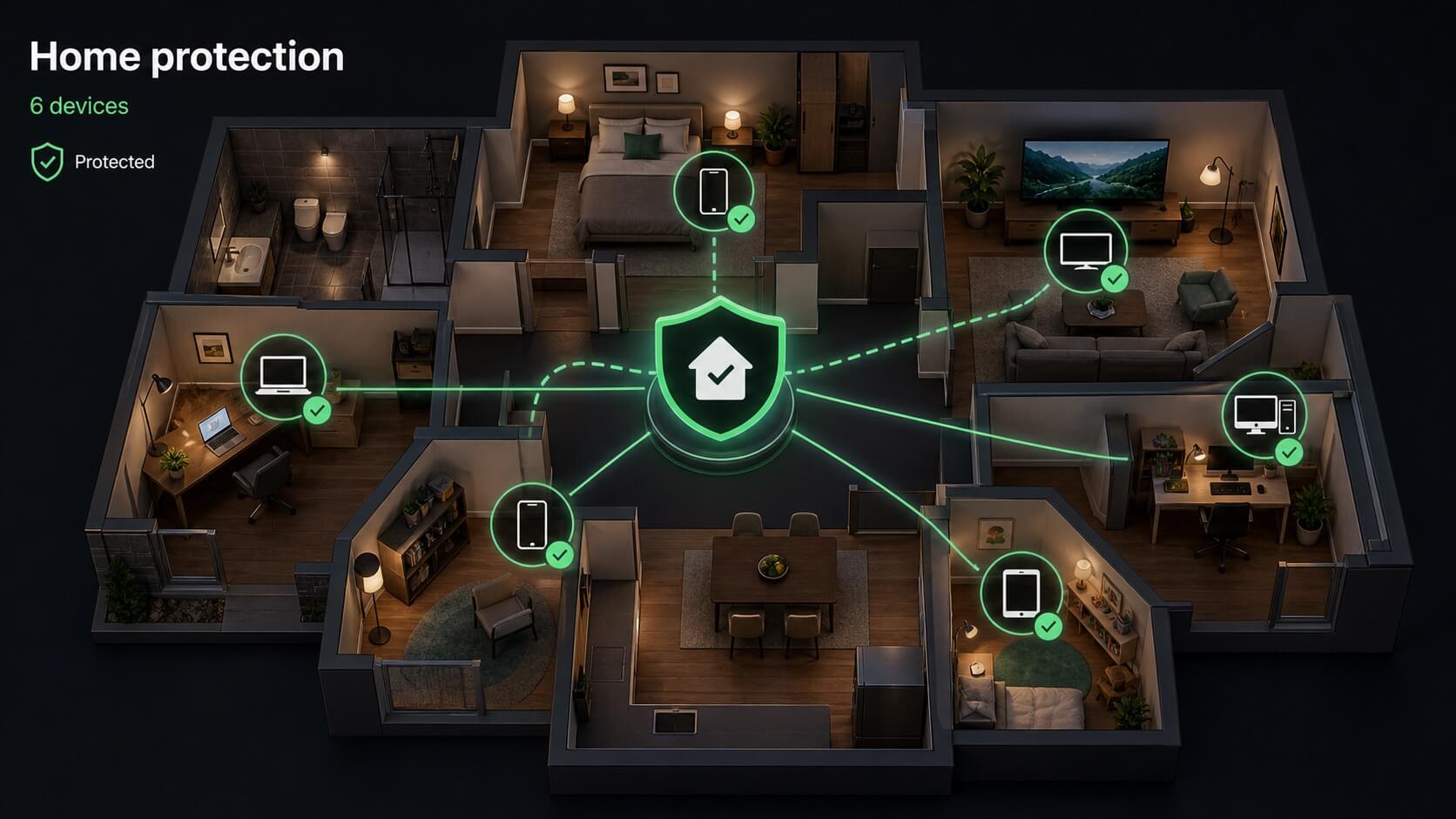
Isometric illustration of laptops, phones, tablets, and a television protected throughout a family home
Illustration: one household can include many types of connected devices. Actual device limits and available protections vary by plan and platform.

Real-time antivirus

Real-time protection monitors files and activity as you use your device. Its role is to identify suspicious software before it can run or make unwanted changes. You can also start an on-demand scan when you want to inspect selected files or perform a broader system check.

Continuous monitoring On-demand scans

Scheduled scanning

Scheduled scans can reduce the need to remember routine checks. A quick scan is useful for common risk areas, while a full scan examines more of the device and may take longer. The available controls can differ between desktop and mobile apps.

Quick scan Full scan

Firewall support

On supported systems, firewall-related protection helps monitor network connections and reduce unwanted access. This complements antivirus scanning, but it does not replace secure router settings, software updates, or sensible account security.

Network monitoring Layered security

Web, phishing, and scam protection

Many everyday attacks begin with a convincing link or message rather than an obviously infected file. McAfee includes tools intended to warn you before those interactions turn into malware installation, credential theft, or financial loss.

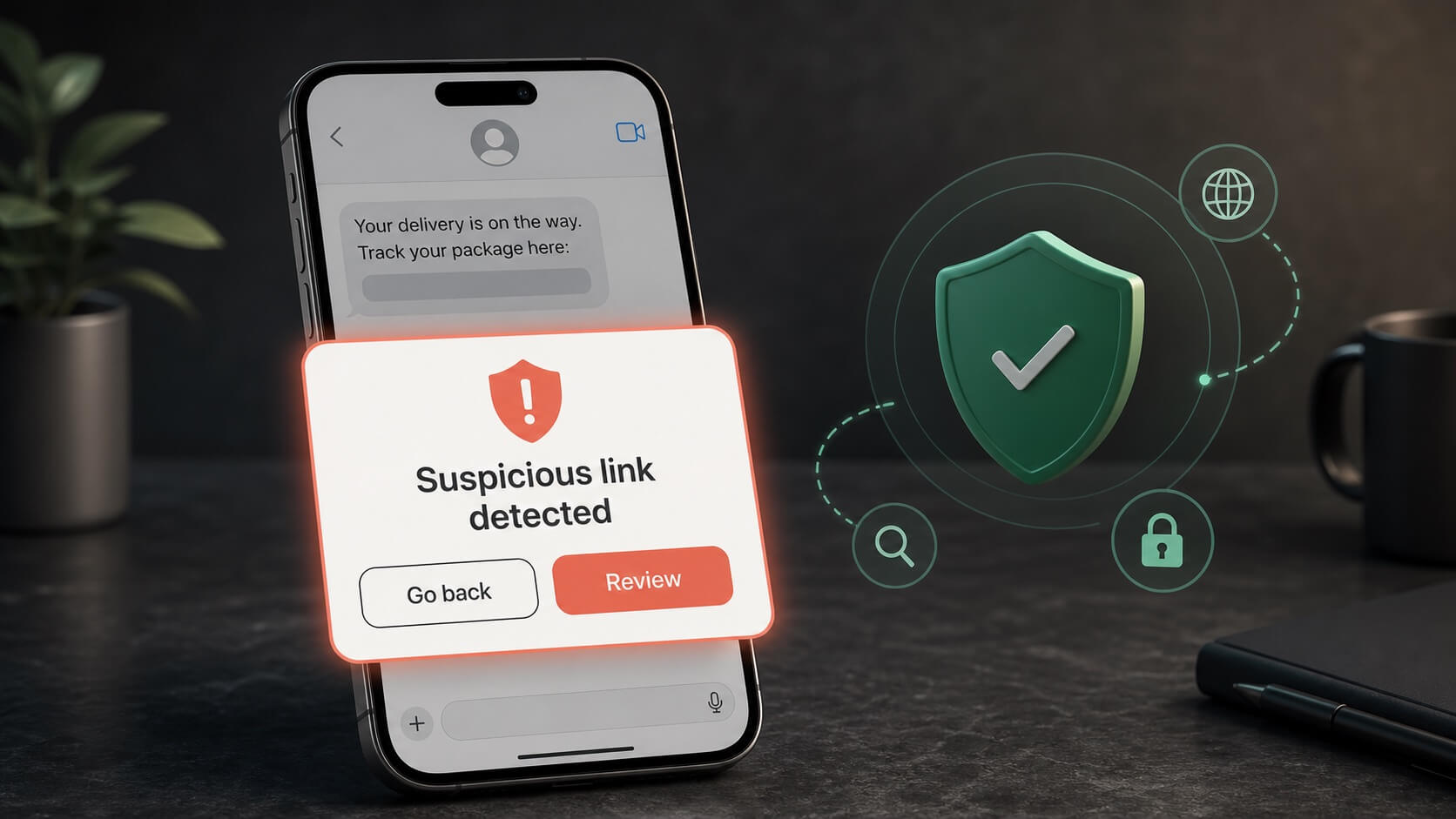
Illustration of a phone warning that a delivery message contains a suspicious link
Illustration: scam protection can provide a warning before you open a suspicious link. No filter can identify every scam.

Safer browsing

Web protection can identify known or suspected risky sites and downloads while you browse. Warnings are useful when a page resembles a legitimate store, bank, delivery company, or account sign-in screen, but no filter can identify every newly created site.

Scam detection

McAfee promotes scam protection designed to analyze suspicious links found in texts, emails, and online messages. This can add a useful pause before you open an unfamiliar link, especially when a message creates urgency or asks for payment and account details.

What you still need to do

Security software cannot confirm that every message or seller is genuine. Check the sender, visit important accounts through a saved bookmark or official app, use unique passwords, and enable multi-factor authentication wherever it is available.

What using McAfee is like

The service is designed around one account and app experience, but the number of included tools means it can feel more involved than a lightweight antivirus.

Setup and daily use

McAfee brings scans, protection status, VPN access, and privacy tools into a central dashboard. The guided layout is approachable, although prompts for additional features may feel busy if you only want core antivirus protection.

Device compatibility

McAfee advertises support across Windows, macOS, Android, iOS, and ChromeOS, but individual features are not identical on every platform. Check the feature list for each device you intend to protect.

Performance expectations

Background protection is intended to run continuously. Scan speed and system impact will vary by device, storage, and scan type, so older computers may benefit from scheduling full scans outside active hours.

VPN, passwords, and privacy tools

McAfee's additional privacy features can be valuable on laptops and phones, particularly when you travel or use shared networks. Their usefulness depends on whether you will actively set them up and use them.

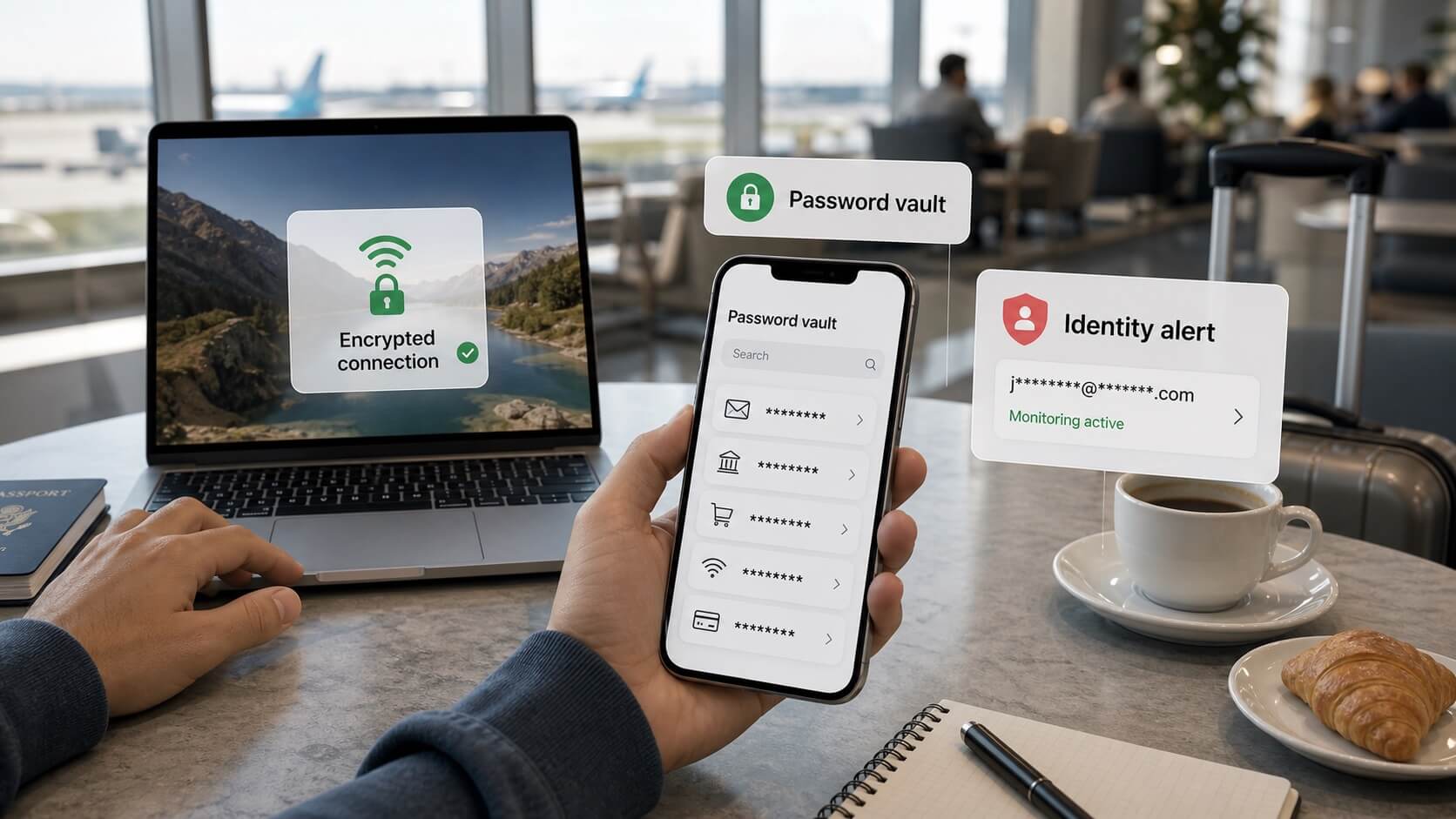
Airport traveler using an encrypted laptop connection, password vault, and identity monitoring alert
Illustration: VPN encryption, password management, and identity alerts address different risks when using accounts away from home.

Secure VPN

A VPN encrypts traffic between your device and the VPN service, which can improve privacy on public Wi-Fi. It does not make you anonymous, prevent every tracking method, or protect information you voluntarily enter into an unsafe website. Confirm supported devices and any plan conditions before buying.

Public Wi-Fi Encrypted connection

Password management

A password manager helps create and store unique passwords so you do not have to reuse the same credentials. The main benefit appears after you install the relevant browser or mobile tools and replace weak or repeated passwords across important accounts.

Unique passwords Account security

Personal data monitoring

Depending on the plan, McAfee may monitor selected personal information and alert you when it appears in known breach-related sources. An alert is a prompt to change passwords or secure an account; it is not a guarantee that identity misuse will be prevented.

Breach alerts Identity monitoring

Identity protection explained

Identity features are one of the main differences between McAfee's lower and higher tiers. Read the service terms closely because monitoring, assistance, insurance-related benefits, and credit features are not the same thing.

Monitoring

Monitoring services look for signs that selected personal information may have been exposed or used in a concerning way. Coverage depends on what information you enroll and which sources the service monitors.

Restoration assistance

Some higher-tier plans advertise access to identity restoration specialists. This kind of support can help organize recovery steps after suspected identity theft, but response procedures and eligibility are governed by the current plan terms.

Coverage conditions

Insurance-related benefits, financial limits, credit monitoring, and country availability can vary. Review eligibility, exclusions, enrollment requirements, and cancellation conditions instead of choosing a plan from the headline benefit alone.

McAfee advantages and tradeoffs

McAfee offers a broad package, but the best choice depends on how many devices and extra services you will actually use.

What we like

Broad device support, multiple-device plan options, VPN access, scam protection, and identity tools make McAfee a practical all-in-one choice for many households.

Broad coverage All-in-one suite

What to consider

The plan lineup can be difficult to compare because device limits and identity features change by tier. Introductory prices can also differ from renewal prices.

Plan differences Renewal terms

Who may prefer another option

A simpler or free-first product may suit you better if you only need antivirus for one device and do not expect to use a VPN, identity monitoring, or family features.

Single device Basic protection

Choosing the right McAfee plan

Plan names, included services, and promotional prices can change. Use these points as a checklist, then verify the current terms on McAfee's official site.

For a few devices

Start by comparing Essential if you need coverage for up to five devices and want the main antivirus, browsing, scam, password, and VPN features.

For many devices

Review McAfee+ plans that advertise unlimited-device protection if your household uses several computers, phones, and tablets.

For family accounts

Family plans may support two adults and up to four children, alongside broader device coverage and family-oriented identity features. Confirm which services apply to each member.

Before you subscribe

The lowest advertised price is only one part of the decision. Checking the following details can prevent surprises after installation or at renewal.

Introductory and renewal price

Promotional pricing may apply only to the first subscription term. Check the amount charged today, the subscription length, whether automatic renewal is enabled, and the renewal price or method used to determine it.

First term Auto-renewal

Devices and family members

Unlimited-device wording may apply to eligible personal devices within one household rather than every device used by anyone you know. Family membership limits can also be separate from the number of devices protected.

Device eligibility Member limits

Platform-specific features

Windows, macOS, Android, iOS, and ChromeOS do not offer identical security controls. Make a short list of the features you need on each device, then compare it with McAfee's current compatibility information.

Operating systems Feature availability

How we arrived at the 9.4 rating

Our editorial score considers the breadth of protection, ease of use, device coverage, privacy and identity features, plan clarity, and overall value. It is an editorial assessment, not a laboratory certification or a promise that the product will stop every threat.

Protection package

McAfee scores well for combining antivirus with browsing, scam, VPN, password, and identity-related tools. The package is most compelling when several of these services would otherwise require separate subscriptions.

Household value

Multi-device and family options strengthen the value for homes with several computers and mobile devices. The benefit is smaller for someone protecting only one device with basic antivirus needs.

Points deducted

The large number of plan variations makes direct comparison harder, and important benefits may be reserved for more expensive tiers. Promotional pricing and later renewal costs also require careful review.

Is McAfee a good choice for families?

It can be, especially when several people and devices need protection. Family plans may cover two adults and up to four children, but you should confirm current membership rules and included features before subscribing.

Does McAfee include a VPN?

McAfee advertises a secure VPN with current consumer antivirus plans, but access, supported devices, and any account requirements can vary by plan. Check the current product page for details.

Can McAfee protect phones as well as computers?

McAfee advertises apps for Windows, macOS, Android, iOS, and ChromeOS. The available security features differ by operating system, so confirm support for each device you own.

Will a VPN replace antivirus protection?

No. A VPN protects network traffic between your device and the VPN service, while antivirus looks for malicious software and suspicious activity on the device. They address different risks and are more useful as complementary layers.

Does identity monitoring prevent identity theft?

No monitoring service can guarantee prevention. It may provide an earlier warning that enrolled information has appeared in a monitored source, giving you an opportunity to secure accounts and take recovery steps.

Is unlimited-device protection truly unlimited?

Selected plans advertise unlimited personal-device protection, but eligibility and household rules still apply. Read the current license and plan terms to understand which devices and family members can be included.

Can I use McAfee on an older computer?

That depends on the operating system version and available hardware resources. Review McAfee's current system requirements before subscribing, and remember that full scans may be more noticeable on older or storage-constrained devices.

Does this page show live pricing?

No. Promotional and renewal prices can change. Visit McAfee's official site to review current plans, device limits, discounts, cancellation terms, and renewal costs.