Disclosure: This site is reader-supported. We may receive compensation when you click links to products featured on our pages. This support helps us maintain and update our content. Learn more
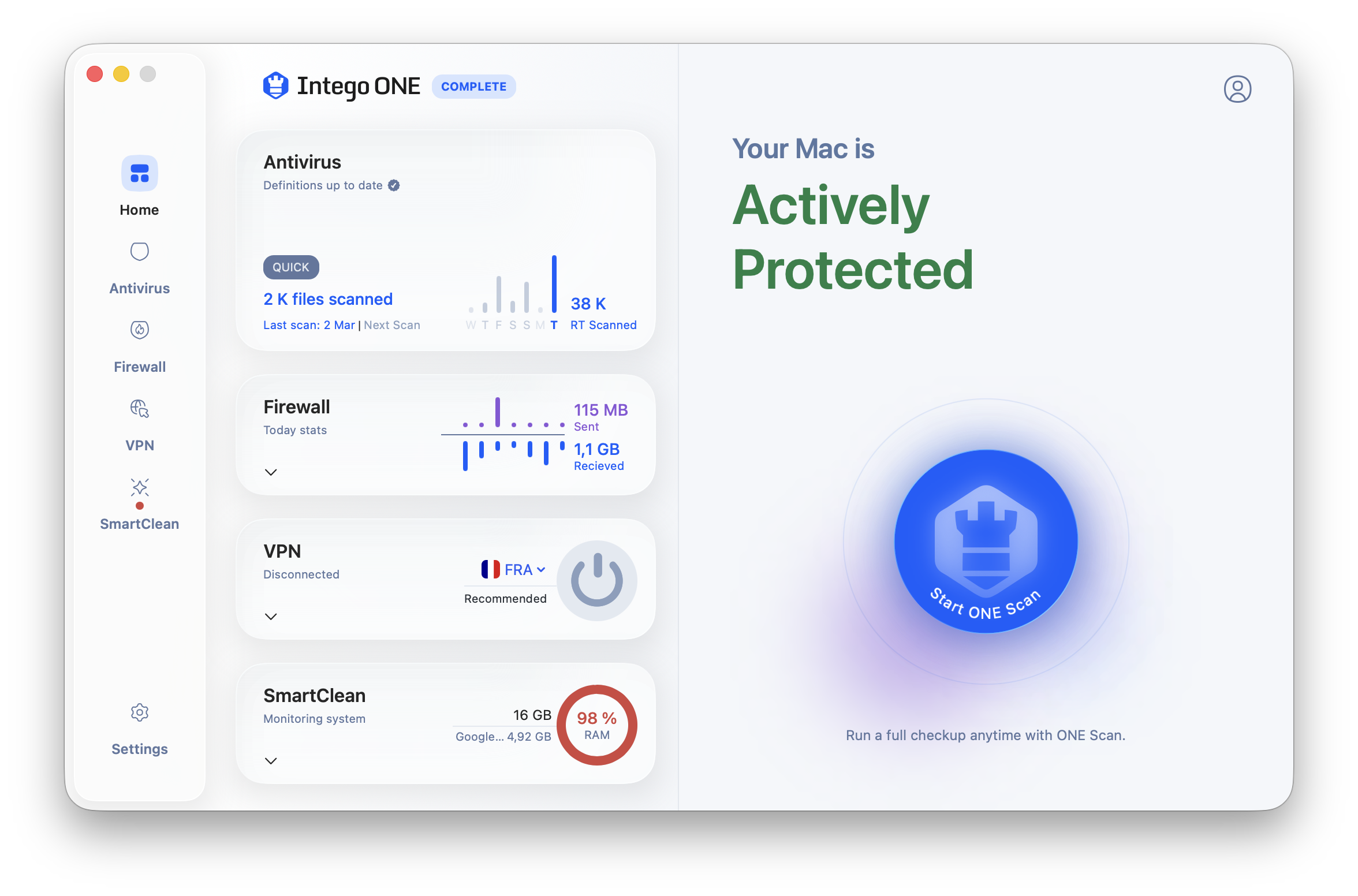
Intego is one of the clearest choices in this guide if your priority is protecting Macs. Its current Mac-focused lineup emphasizes real-time antivirus protection for macOS, firewall controls, VPN privacy, and optimization tools. It is less compelling if you need a single suite with equally deep Windows, Android, iOS, identity, and family-monitoring features.
Quick answer: Intego is the strongest Mac-focused option in this guide for users who want antivirus, firewall, VPN, and maintenance tools designed around macOS. It is less suitable for households that need equally broad support across several platforms.
Intego deserves special attention for Mac households because its core pitch is not simply "antivirus that also runs on macOS." Its strongest products are built around Mac security habits: scanning apps and files, watching network connections, reducing unsafe browsing and public Wi-Fi exposure, and keeping the computer tidy enough to remain usable. The tradeoff is that Intego is not the broadest identity-protection or multi-platform family suite in this comparison.
Mac-first protection
Intego is a better fit when the main devices you care about are Macs. Its interface and feature set are easier to justify for macOS users than for households that need equal feature depth across Windows PCs, Android phones, and iPhones.
macOS focusReal-time protection
Useful security layers
The current Mac security lineup highlights antivirus, firewall controls, VPN privacy, and optimization. That combination covers malicious files, suspicious connections, exposed traffic on shared networks, and routine device maintenance.
FirewallVPN option
Check the exact plan
Intego product names and bundles can change, and some tools may be sold as separate subscriptions or higher-tier features. Always verify VPN access, device count, renewal price, and platform support before checkout.
Plan reviewRenewal terms
Mac antivirus protection
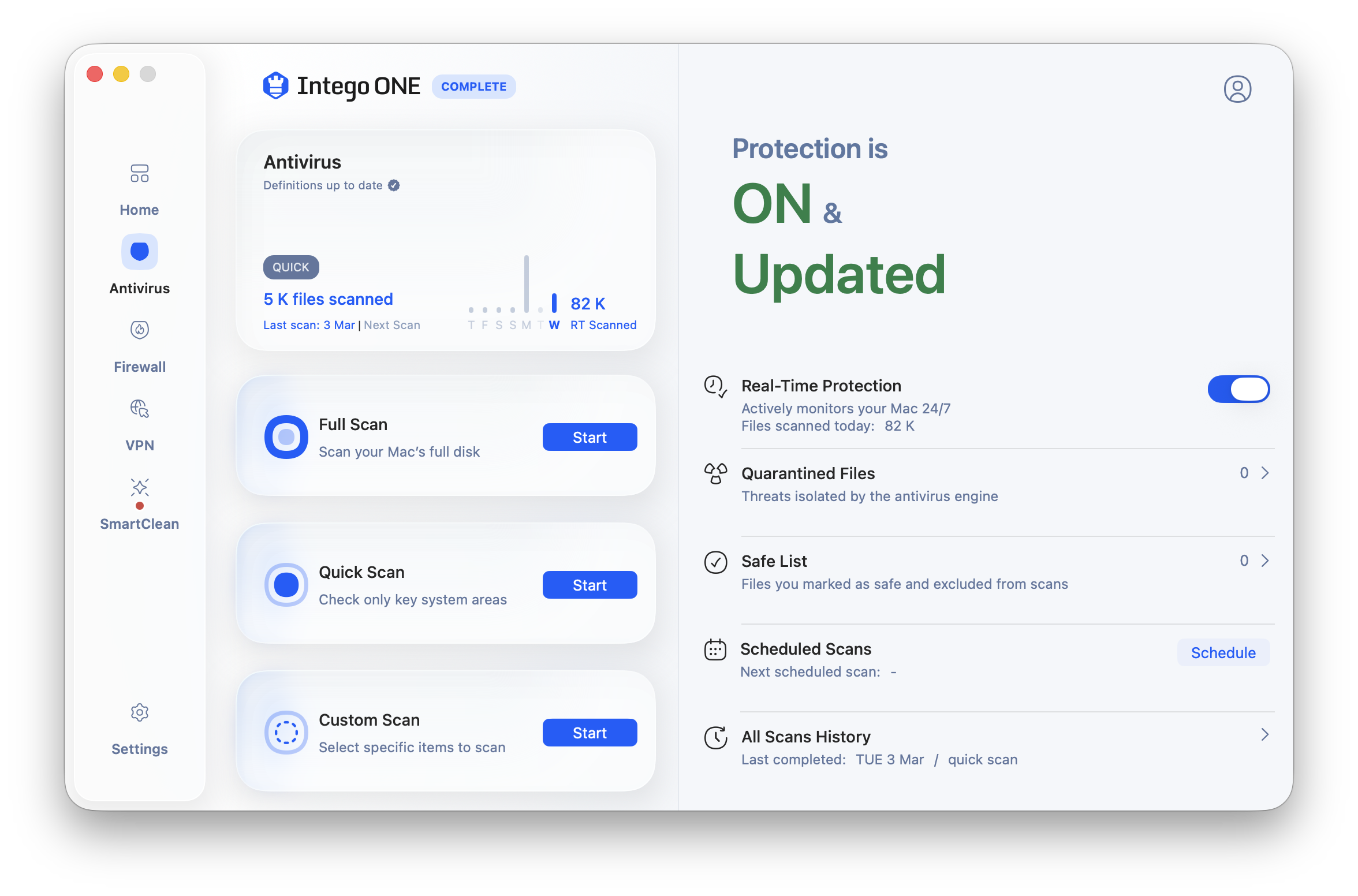
Intego's Mac appeal begins with real-time antivirus protection built for macOS. A good Mac security product should monitor apps, downloads, archives, and external files without pretending that Mac users are immune to malware, adware, malicious scripts, or unsafe installers.
Illustration: real-time Mac protection can watch downloads and app activity, while manual scans remain useful for external drives, archives, and older folders.
Real-time monitoring
Real-time protection watches files and activity as you use the Mac. This is more useful than relying only on occasional manual scans, especially when you install apps, open email attachments, or download files from unfamiliar sources.
Always-on scanningDownload checks
Manual scans
Quick, full, and targeted scans can help when you connect an external drive, restore old files, or suspect that a download was unsafe. Full scans take longer but provide a broader review of stored files.
Full scanExternal drives
Mac malware context
macOS includes built-in protections, but those protections do not remove every risk. A dedicated Mac antivirus can add another layer for adware, trojans, malicious installers, and suspicious behavior.
Mac threatsExtra layer
Firewall and VPN tools
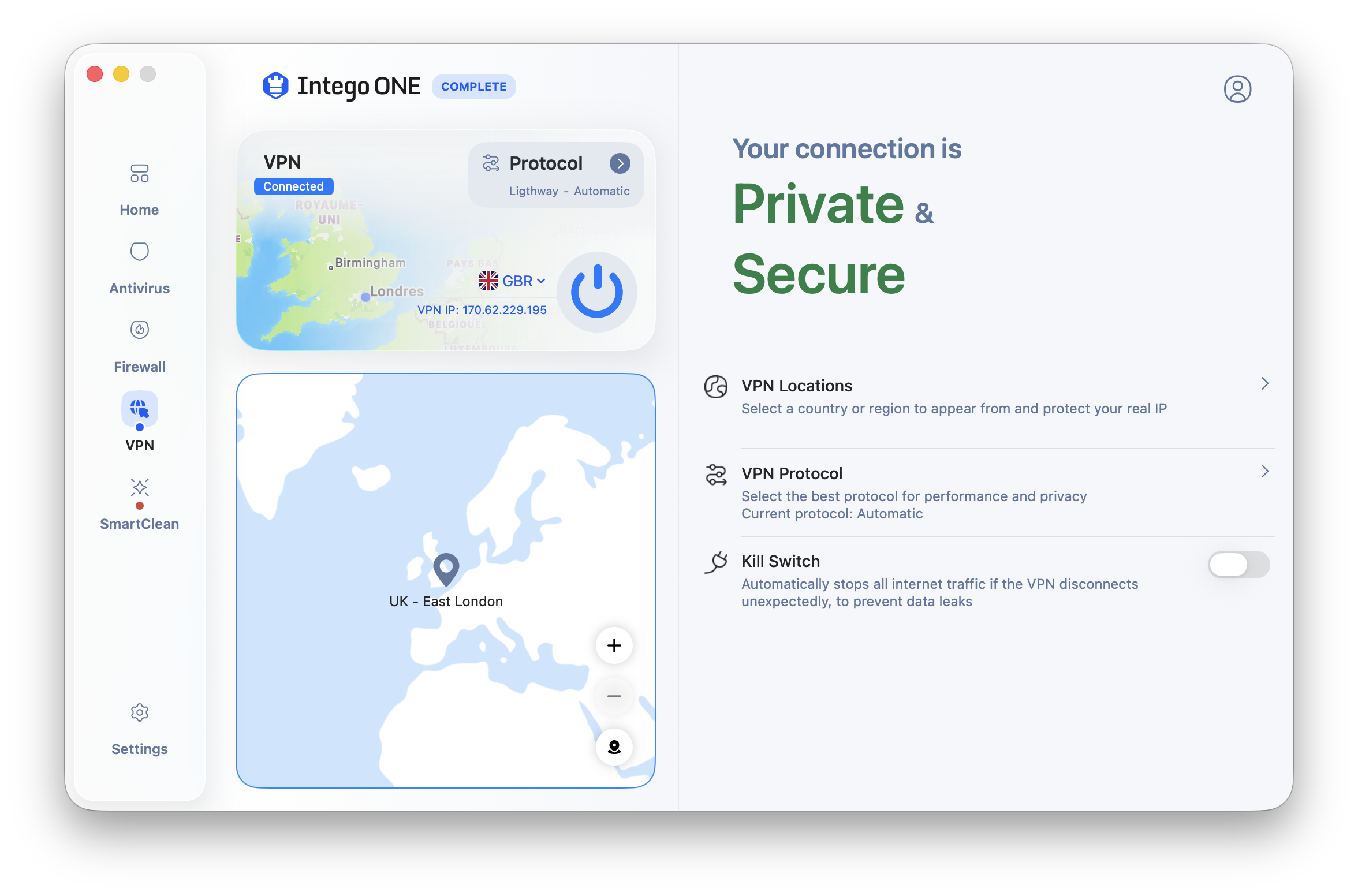
Intego is also relevant for Mac users who want more visibility into network connections. Firewall controls can help monitor incoming and outgoing traffic, while a VPN can protect traffic on shared networks. Neither tool replaces safe passwords, software updates, or careful link handling.
Illustration: firewall and VPN features address different risks. A firewall manages connections; a VPN encrypts traffic between your device and the VPN server.
Firewall controls
A firewall is useful when you want to know which apps and services are communicating over the network. It can reduce unwanted inbound or outbound connections, but you should review alerts carefully before blocking essential services.
Connection rulesNetwork safety
VPN privacy
Intego advertises VPN privacy in its current Mac security lineup. A VPN is most helpful on public Wi-Fi and shared networks, but it does not make you anonymous or protect you from entering credentials on a fraudulent website.
Public Wi-FiEncrypted traffic
Compatibility checks
VPN availability, firewall controls, and supported devices may depend on the subscription and operating system. Confirm whether the plan protects every Mac you own and whether Windows coverage is a separate product.
Mac devicesPlan limits
Cleanup, backup, and family considerations
Intego has historically offered Mac utilities around cleanup, backup, and family controls, while its current product pages also emphasize optimization. These tools can be valuable, but they should be treated as practical utilities rather than guarantees of perfect performance or complete child safety.
Illustration: cleanup and backup tools are most useful when you review changes before applying them and keep a separate copy of important files.
Optimization tools
Cleanup utilities can identify cache files, duplicate items, and other clutter. Review suggested deletions before approving them, especially for photo libraries, creative projects, and files stored in several backup locations.
Mac cleanupDuplicate review
Backup habits
A security suite can support good backup behavior, but it should not replace your own tested backup plan. Mac users should still maintain a reliable local or cloud backup and occasionally confirm that files can be restored.
File recoveryRestore test
Family controls
Parental or content controls can help set boundaries, but they work best with account settings, device rules, and conversations. They should not be presented as a guarantee that every unsuitable page or app will be blocked.
Content limitsHousehold setup
Who should choose Intego?
Intego is strongest when your primary security question is, "What is a good antivirus suite for my Mac?" It is less clearly the answer when you want the broadest cross-platform identity, credit, backup, and family ecosystem.
Choose Intego if
You mainly use Macs, want protection designed around macOS, and value antivirus plus firewall or VPN controls more than credit monitoring or identity restoration benefits.
Consider another option if
You need a household suite for many Windows, Android, iOS, and ChromeOS devices, or you want the most developed identity monitoring and restoration features in one subscription.
Compare before paying
Check the exact current bundle, device count, Mac and Windows coverage, VPN inclusion, renewal price, automatic billing, refund terms, and support availability.
How we arrived at the 9.5 rating
Our editorial score reflects Intego's strong Mac focus, practical protection layers, firewall and VPN relevance, usability for Mac owners, and plan clarity. It is not a laboratory certification or a promise that Intego will stop every threat.
Mac relevance
Intego receives a high score because it is unusually relevant for Mac users compared with many antivirus suites that treat macOS as a secondary platform.
Mac-first valueFocused fit
Layered protection
Antivirus, firewall, VPN, and optimization can cover several everyday Mac risks without requiring a stack of unrelated utilities.
Security layersPractical tools
Points deducted
The score is held back by less emphasis on identity services, plan and product-name changes, and a narrower fit for households that need equal depth across many operating systems.
Narrower ecosystemPlan checks
Is Intego best for Mac users?
It is one of the strongest choices in this guide for Mac users because its main consumer security products are built around macOS protection, firewall controls, VPN privacy, and Mac maintenance needs.
Does Intego protect Windows PCs?
Intego has offered Windows antivirus products, but the Mac security suite is the main reason to consider the brand here. If Windows coverage matters, confirm whether it is included in your exact subscription or sold separately.
Does Intego include a VPN?
Intego's current Mac security lineup advertises VPN privacy, but VPN availability can depend on the product and offer. Check the official plan page and checkout summary before subscribing.
Do Mac users really need antivirus?
macOS includes built-in security protections, but Mac users can still encounter malicious installers, adware, phishing pages, unsafe downloads, and suspicious scripts. Antivirus is an added layer, not a replacement for safe habits and updates.
Does this page show live pricing?
No. Prices, promotions, product names, device counts, and included services can change. Visit Intego's official site to review current plans, discounts, cancellation terms, and renewal costs.
Sources and verification: Product availability and plan details are checked against Intego's official website and are interpreted using our review methodology. Independent testing context and user feedback are supporting signals, not guarantees of future performance. Verify current terms before purchasing.